
An Ethernet cable between the LAN RJ45 connector and your local router or switch is required for web server access. By default the unit uses DHCP to retrieve an assigned IP automatically; a static IP can be set from the config page.
Three ways in
1. IP address
Open a browser on any device on the same network and type the IP address shown on the OLED info page directly into the address bar, for example 192.168.1.137. This method is universal and works across any browser-based device on the same network.
2. Hostname
Instead of the IP address, use the hostname listed on the OLED INFO page — cycle the OLED until you see INFO and Host. The form is http://DR8K-XX/, where XX is the last two digits of the unit's serial number.
3. mDNS
On iOS and macOS devices, mDNS is often the most convenient. Retrieve the mDNS address from the OLED INFO page and enter http://DR8K-XX.local/ in the browser.
Only the IP address method is guaranteed across every device. Hostname and mDNS work in many cases but not all; if the web server will not open, fall back to the IP address.
The top section
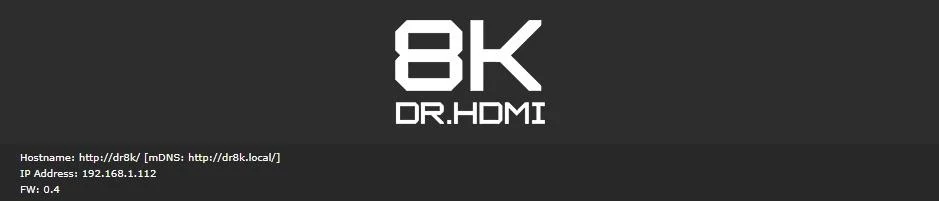
Opening the web server lands you on the INFO page. The top tier reports the same identifiers as the OLED info page: hostname for URL access, mDNS address, the current IP address, and the firmware version currently running.