
Source enters here.
Connect the source to HDMI IN. DR HDMI 8K sits directly in the signal path and presents the selected EDID upstream.
HDMI IN · FRL / TMDSBlack screen? No signal? Missing 4K120, VRR, Dolby Vision or Atmos? DR HDMI 8K gives you a controlled EDID and diagnostic point between source and display so you can stop guessing what the HDMI handshake is doing.
EDID manager · HDMI emulator · live signal information · browser control
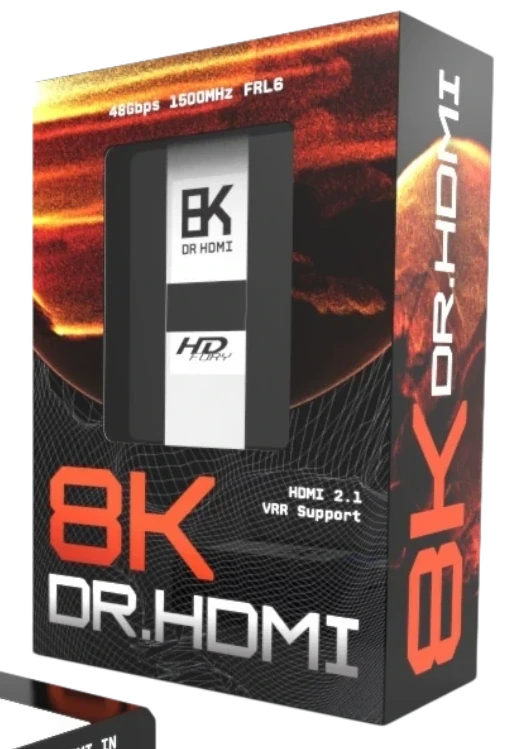
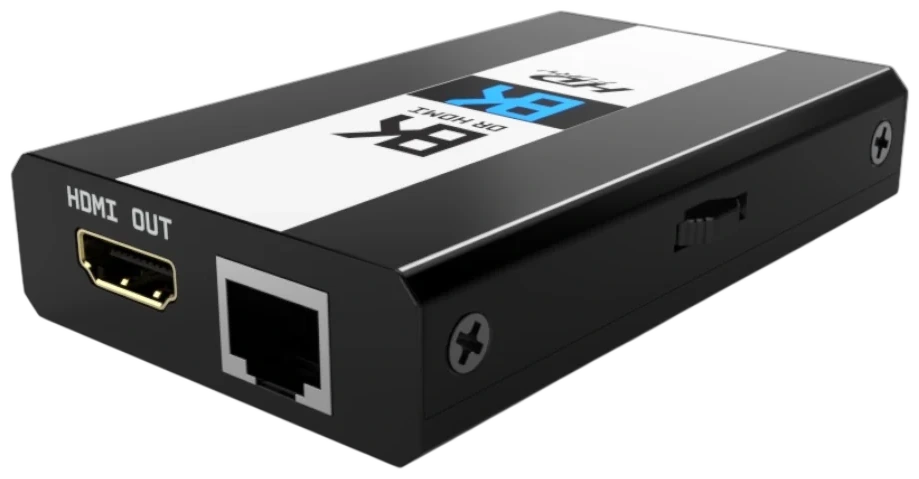
Choose the problem you see in your HDMI chain. DR HDMI 8K gives you a controlled way to inspect or change the EDID and link behaviour instead of blindly swapping settings.
The OLED and web interface expose RX/TX state and EDID information. You can copy the sink EDID, load a known EDID or modify advertised capabilities to isolate negotiation problems.
Open the HDMI handshake guide →The manual describes three core EDID modes: copy the connected sink, select a custom/predefined EDID, or copy the sink EDID and modify selected capabilities. That turns troubleshooting into a controlled process instead of repeated cable swapping and guesswork.
Copy sink EDID, select from predefined tables, upload custom EDID data or modify advertised video and audio capabilities.
Control advertised FRL rate, VRR, ALLM and HDR modes so the source sees the capability set you actually want to test.
Read the connected sink's Dolby Vision data block and build a custom DV data block through the embedded web interface.
See RX/TX state, FRL rate, EDID details, firmware and network information directly on the hardware.
Use Ethernet for browser control, DHCP/static IP configuration and remote IP/Telnet command workflows.
EDID audio flags include PCM, Dolby TrueHD, DD+, DTS-HD and other formats listed in the user manual.
DR HDMI 8K does not magically fix every fault. Its value is that it gives you a stable, inspectable point in the chain: what the sink advertises, what the source is shown, and which capabilities you choose to expose.
The source, AVR, display, cable and their combined EDID negotiation can all affect the result. Without visibility you end up changing multiple variables at once.
Choose a known EDID state, inspect RX/TX information and deliberately modify the capabilities being presented to the source.
Scroll through the physical path. The device stays in view while each connection and control layer is highlighted.
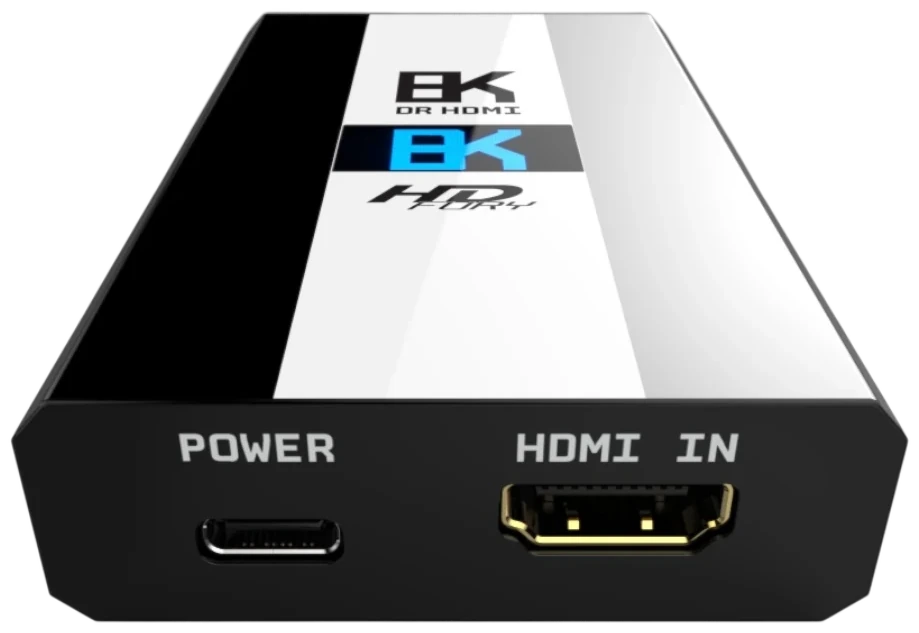
Connect the source to HDMI IN. DR HDMI 8K sits directly in the signal path and presents the selected EDID upstream.
HDMI IN · FRL / TMDSHDMI OUT connects to the downstream device. The unit can read the sink EDID and expose its capabilities in the interface.
HDMI OUT · SINK EDIDRJ45 Ethernet provides access to the embedded web server for EDID, Dolby Vision, IP, firmware and configuration controls.
WEB SERVER · IP / TELNETThe OLED reports signal state, FRL rate, EDID information, firmware and network details directly on the unit.
OLED · ROTARY CONTROLThese sections are deliberately written as useful technical landing pages, not keyword stuffing. Each one targets a distinct HDMI problem while linking back into the product.
For PS5, Xbox Series-class consoles and gaming PCs when high-bandwidth capability negotiation becomes part of the problem.
Explore gaming HDMI 2.1 → APPLE TV 4KThe manual includes specific Apple TV 4K notes covering EDID retesting, Dolby Vision and audio format behaviour.
Apple TV 4K guide → HANDSHAKEA structured way to isolate EDID and hot-plug negotiation problems instead of changing everything at once.
Fix HDMI handshake issues → DOLBY VISIONRead sink DV information, preserve a compatible DV data block and construct a custom data block when needed.
Dolby Vision EDID guide → EDIDUnderstand copy-sink, predefined, modified-sink and custom EDID workflows with DR HDMI 8K.
EDID manager guide → 48GbpsWhat 1500MHz / 48Gbps means, why cable and endpoint capability still matter and where EDID fits into the chain.
8K / 4K120 guide →CABLESSeparate EDID and handshake behaviour from cable power, bandwidth and link-integrity problems in long HDMI runs.
Long HDMI guide →PROJECTORUse a known EDID state to diagnose slow sync, format changes and difficult source → AVR → projector chains.
Projector guide →AUDIOUnderstand which audio capabilities are advertised upstream and how EDID can affect what a source makes available.
Audio EDID guide →The supplied manual lists 100 predefined EDID entries covering 8K60, 4K120, 4K60, HDR, BT.2020, VRR and multiple audio layouts. Use the filters below to understand the range without digging through a PDF.
8K60 4:2:0 FRL-5 combinations with HDR, VRR and 7.1 / 5.1 / 2.0 audio variants.
FRL-5 4K120 profiles with HDR, optional VRR and multiple audio layouts.
4K120 4:2:0 profiles with HDR, optional VRR and 7.1 / 5.1 / 2.0 variants.
4K60 profiles spanning 4:4:4 and 4:2:0, HDR/BT.2020 and multiple bit-depth/audio combinations.
RGB and YCbCr profiles with HDR/BT.2020 and 12-bit options where listed.
1080p60, 1080p24 and 1080i60 profiles with HDR/BT.2020 and audio variants.
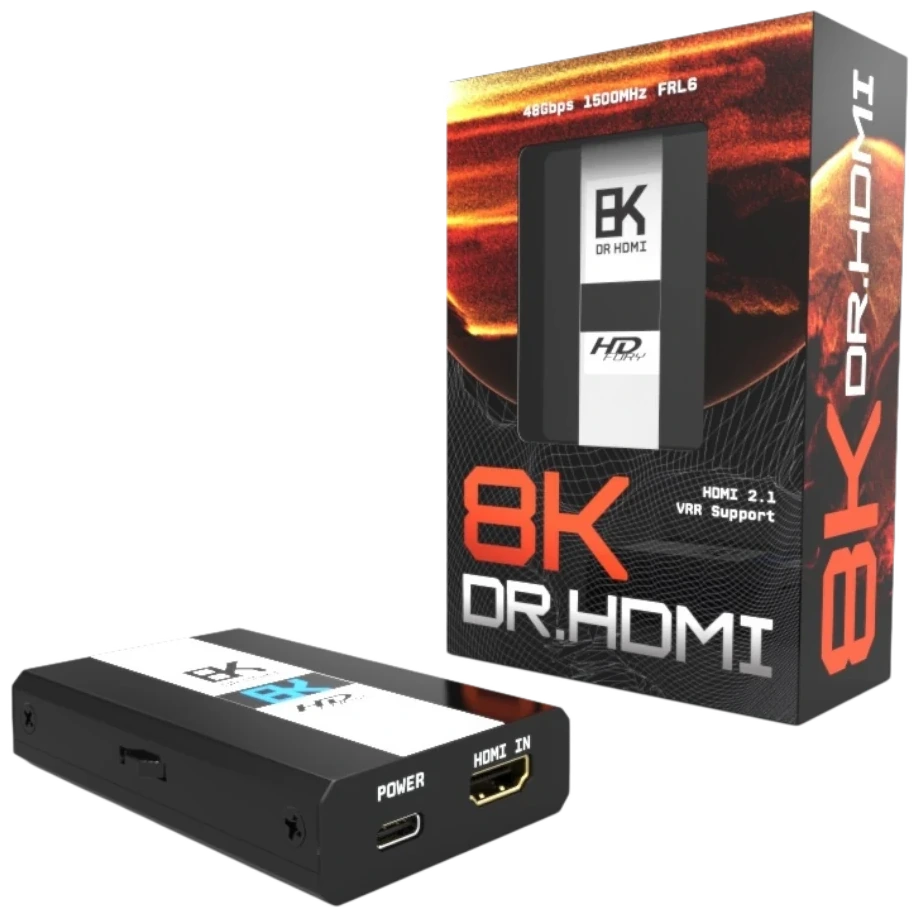
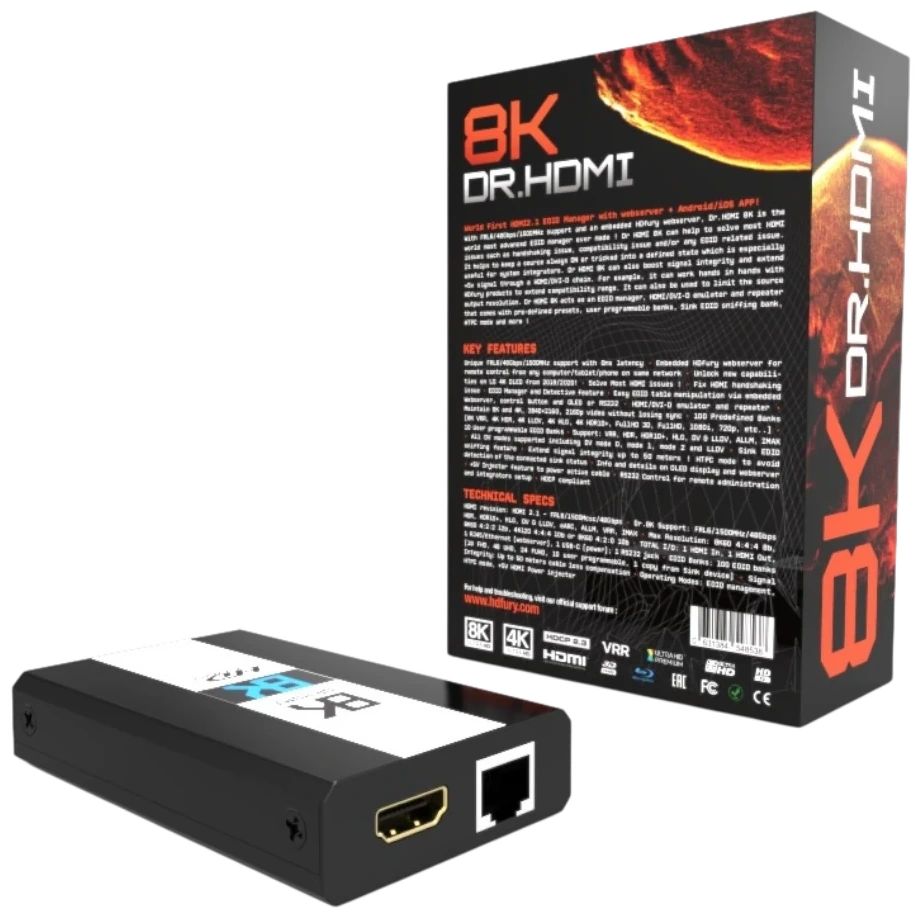
The site deliberately carries the packaging identity into the digital experience: near-black hardware surfaces, the blue 8K mark and the orange-red solar arc. The animation is there to make the product feel engineered and premium, not to distract from the technical content.
Connect RJ45 Ethernet and DR HDMI 8K exposes its own web server on your local network. The manual documents browser access by IP address, hostname and mDNS, plus controls for EDID, Dolby Vision, OLED, network configuration and firmware updates.
SIGNALACTIVE
LINKFRL / TMDS STATUS
RX / TXCONNECTED
EDIDCOPY · CUSTOM · MODIFY
NETWORKDHCP · STATIC IP · mDNS
| HDMI I/O | 1 × HDMI input, 1 × HDMI output |
| Bandwidth | Up to 1500MHz / 48Gbps |
| Maximum modes listed in manual | 4K120 4:4:4 10-bit; 8K60-class modes within the supported bandwidth |
| EDID workflows | Copy sink, predefined/custom EDID and copy-sink-then-modify |
| EDID tables | 100 predefined entries listed in the user manual, with custom EDID workflows |
| Video flags | FRL rate, VRR, ALLM, HDR and Dolby Vision controls |
| Network | RJ45 Ethernet, DHCP or static IP, mDNS, embedded web server and IP/Telnet control |
| Display | 1-inch 128 × 64 OLED |
| Power | 5V / 2A via USB-C |
| Dimensions | 10 × 6 × 2.2 cm |
| Weight | 120 g |
| Input lag | <1 ms stated in the user manual |
| Certifications listed | CE, EAC, FCC and RoHS |
It is an HDMI EDID manager, emulator and repeater designed to give you control over the capability information exchanged between an HDMI source and downstream device.
Yes. The supplied user manual specifies 48Gbps / 1500MHz operation and lists support up to 4K120 4:4:4 10-bit and 8K60-class formats within its supported bandwidth.
That is one of its core use cases. A known EDID, live RX/TX status and hot-plug control can help isolate whether a problem is caused by negotiation between source and downstream equipment.
Yes. Connect RJ45 Ethernet to the local network and open the embedded web server using the displayed IP address, hostname or supported mDNS address.
The web interface includes a Dolby Vision section that can read the connected sink's DV data block and construct a custom Dolby Vision data block for EDID use.
Purchase directly from the DR HDMI 8K product page on HDfury.uk.
This is the United Kingdom edition of the DR HDMI 8K reference site. The device is supplied to UK customers by HDfury UK, with UK stock, pricing in pounds sterling and UK order handling. Everything below is handled by the shop rather than by this site.
Current availability and the price in GBP are shown on the product page at HDfury UK. Open the DR HDMI 8K product page →
Warranty terms for units bought in the United Kingdom are published by HDfury UK. Read the warranty information →
Questions about an order, or a return, go through HDfury UK. Please do not send returns to the publisher’s postal address. Order and return →